
Job Management
One job record, from draft to paid
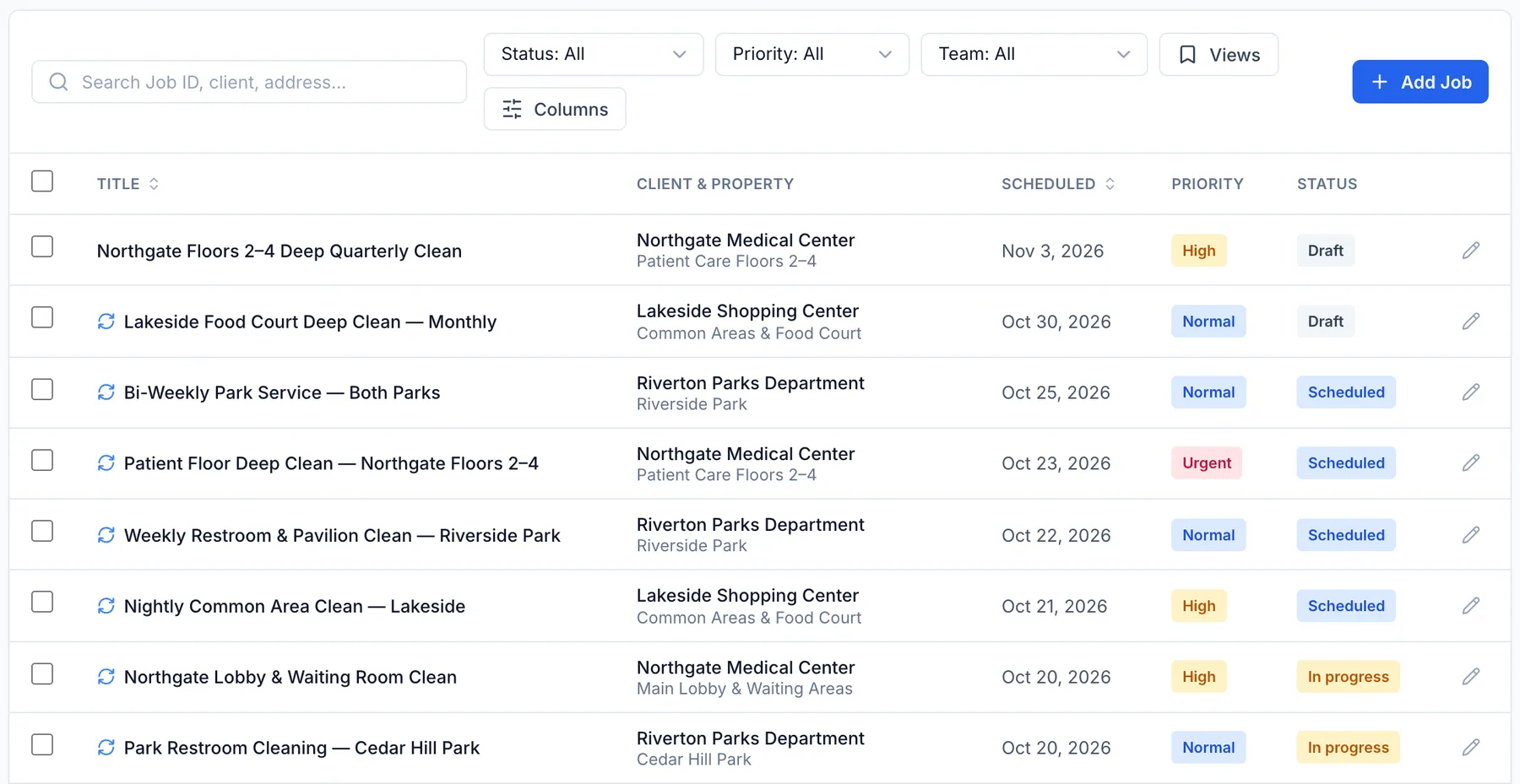
A burst pipe at 7 a.m. should not live in a text message that only one person has read. Each job holds the client, the address, the crew, the line items, the photos and the status, so the office and the technician are always looking at the same thing.
Job lifecycle
Six stages, from the first call to money in the bank
The job list and your reports follow these stages, so a quick look tells you what is waiting on a visit, an invoice or a payment.
Draft
Scheduled
In Progress
Completed
Invoiced
Paid
On site and in the office
Less chasing, fewer surprises
No more "did anyone call them back?"
Every job carries one status that the whole company reads the same way. The office sees who is on site, who is finished and what still needs an invoice, without a phone call to anyone.
Know when the technician actually arrived
A technician checks in on site from the app or the web, and FieldRova stamps the time and how far they were from the address. A check-in made outside the site radius is flagged for the office. It is a flag, not a lock, so the tech is never stuck outside a job.
Same part, same price, every truck
Add labor, parts and materials to the job from your price book instead of typing them in free hand. What the technician records carries straight onto the estimate or the invoice.
Finished is not the same as paid
A completed job moves to Invoiced when its invoice is created and to Paid once it is settled, so work that was done but never billed stands out in the job list.
Also on the job
The details that keep a job from going sideways
- Job types and sub-statuses that match how your trade talks about work
- Priority from Low to Urgent, with an SLA deadline that reads Met or Missed
- A task list on every job, with optional items you can skip and say why
- Photos and documents on the job's Files tab
- Materials logged against the job as they are used
- Customer sign-off on completion, and a text to the client that you are on the way
- Duplicate a job, make it recurring, or change many jobs at once
- Checklists you build once and attach to any job
Checklists come with the Ultimate plan. See Pricing.
Get this week's jobs out of text messages
Create an account and enter the jobs on your board today, or talk to our team about how your trade would set up job types and statuses.